Smart Access Control for Seattle Tech and Co-Working Offices
Josh Harris | June 24, 2026
Smart access control for Seattle tech offices and co-working spaces is no longer a perk for early adopters. It is the operating layer that determines who walks into a building, which floor they reach, which conference room unlocks for them, and what the front desk sees when a visitor arrives. For tech tenants in South Lake Union, Pioneer Square, and Belltown, and for co-working operators running multi-tenant floors, the access control platform is the security program.
Property managers who have rolled out a modern access system know the upgrade is not just a technology purchase. It is a re-engineering of how people move through the building, how visitors are pre-registered, and how the security team responds when an after-hours alarm fires. Done well, the platform reduces friction and tightens the perimeter. Done poorly, it creates a false sense of safety while doors prop open and credentials linger in directories for months after employees leave.
Why smart access control matters for Seattle tech offices
Seattle's tech footprint is dense and mobile. A typical workday on a South Lake Union floor includes badge-in employees, contractors, a hardware vendor, two interview candidates, and a client visit. A co-working floor adds independent members, drop-in day-pass users, and guests of guests. Legacy card systems were never designed for this volume of unique entry events.
Modern smart access control platforms move identity, authorization, and audit trails into the cloud. Credentials live in mobile wallets or biometric templates rather than physical fobs that can be cloned or shared. Access rules tie to HR systems so a terminated employee loses every door the moment payroll closes their record.
Compliance is the other driver. Tech tenants handling regulated data, including health information, financial records, and federal contractor work, need to demonstrate that physical access is controlled and logged. The NIST Cybersecurity Framework treats physical access control as part of the Protect function, alongside identity management and data security. A platform that produces clean, queryable logs makes audit prep dramatically faster than pulling card-reader history off a legacy panel.
The core technology layers
A smart access control program in a Seattle tech office or co-working space rests on four overlapping layers. The value compounds when they work together.
Mobile credentials and biometrics
Phone-based credentials are the default starting point for new installations. An employee or member adds a virtual badge to their mobile wallet, taps the phone at a reader, and walks through. There is no plastic card to lose and no front-desk reprint when someone forgets a badge at home. For higher-sensitivity zones, including server rooms, R&D labs, and finance floors, mobile credentials get layered with biometrics: a fingerprint, a face match, or a palm vein read at a second reader.
Biometric layers are where most tenants pause. A well-run rollout publishes a clear policy on what is captured, where templates are stored, how long they are retained, and how someone opts out. Co-working operators usually keep biometrics optional.
Cloud-based management platforms
The shift from on-premise panels to cloud platforms has changed how facility teams operate. A manager can revoke a credential from a phone at home, pull an audit log over the last 30 days, or grant a contractor a 4-hour window on a single floor without standing at a workstation. Multi-site portfolios benefit more, since one dashboard can manage doors in a Bellevue tech campus, a downtown Seattle headquarters, and a Tacoma annex from the same console.
Cloud platforms also push firmware and security patches centrally. Legacy panels often went years between updates because each one required a site visit. A cloud architecture closes vulnerabilities before they get exploited.
HR and single sign-on integration
The most common failure point in any access program is the gap between HR and the security system. An employee leaves on a Friday, the badge gets disabled on Tuesday, and the building has four days of risk in the middle. Smart access platforms close that gap by integrating directly with HR systems and identity providers.
Hiring kicks off a credential provisioning workflow that grants doors based on role, department, and location. A termination triggers automatic deactivation across every door, every floor, and every linked application. The same integration powers single sign-on for the access platform itself.
Visitor management and pre-registration
Visitor experience is where corporate tenants and co-working operators differentiate. The host pre-registers the guest the day before. The guest receives an email with arrival instructions and a QR code. On arrival, the guest scans the code at a kiosk or hands it to the lobby officer, who validates the visit and either escorts the guest or releases them with a time-limited access token.
That workflow gives the building a clean record of every guest who entered, including the host of record, the floors authorized, and the time on site. For tech tenants with NDA-sensitive meetings, the pre-registration log doubles as evidence of who was there and when they left.
Co-working environments need a different design
Co-working spaces operate on a fundamentally different access model than single-tenant offices. A traditional corporate floor authorizes a fixed roster of employees and a small set of recurring vendors. A co-working floor authorizes individual members, guests, day-pass users, and external community attendees, all moving through the same lobby in the same hour.
That mix demands a few specific design choices:
- Tiered member credentials that distinguish a 24/7 dedicated-desk member from a part-time hot-desk member
- Conference-room scheduling is tied to the access platform, so a phone room booked from 2 to 3 p.m. only unlocks during that window
- Self-service guest invitations that let a member pre-register a visitor from a mobile app
- A staffed lobby presence during peak hours, since technology alone cannot screen a tailgater or recognize a member in visible distress
The lobby presence is undervalued in technology-first rollouts. A reception-style unarmed guard at the front desk handles the situations the platform cannot: the visitor who forgot to register, the courier with a package, the member whose phone died. A fully self-service floor looks modern in a sales deck, but in practice it pushes front-desk responsibilities onto building staff who do not have a security mandate.
Vendor selection and integration risks
The market for smart access control platforms is crowded, and the differences that matter are rarely the ones on a marketing landing page. The questions that separate strong platforms from weak ones focus on integration depth, audit log quality, and incident response.
Integration depth matters because a platform that does not connect cleanly to HR, single sign-on, and visitor management creates manual workflows. Every manual workflow is a place where a terminated employee keeps access or a visitor walks unescorted. Audit log quality matters because a security director investigating an after-hours alarm needs a queryable log of every credential read at every door, not a screenshot of a panel display.
Industry standards for the physical infrastructure that supports these systems are maintained by organizations like BICSI, which publishes design and installation standards for the cabling and device placement that smart access platforms rely on. Tenants who skip these standards during a tenant improvement build end up with sluggish reader response, intermittent lock failures, and gaps in their audit trails.
Cybersecurity exposure is the other quiet risk. A cloud-based access platform is an internet-connected system that controls physical doors. Tenants evaluating vendors should ask about penetration test cadence, encryption standards for credentials in transit and at rest, and incident disclosure history.
On-site staffing still anchors the program
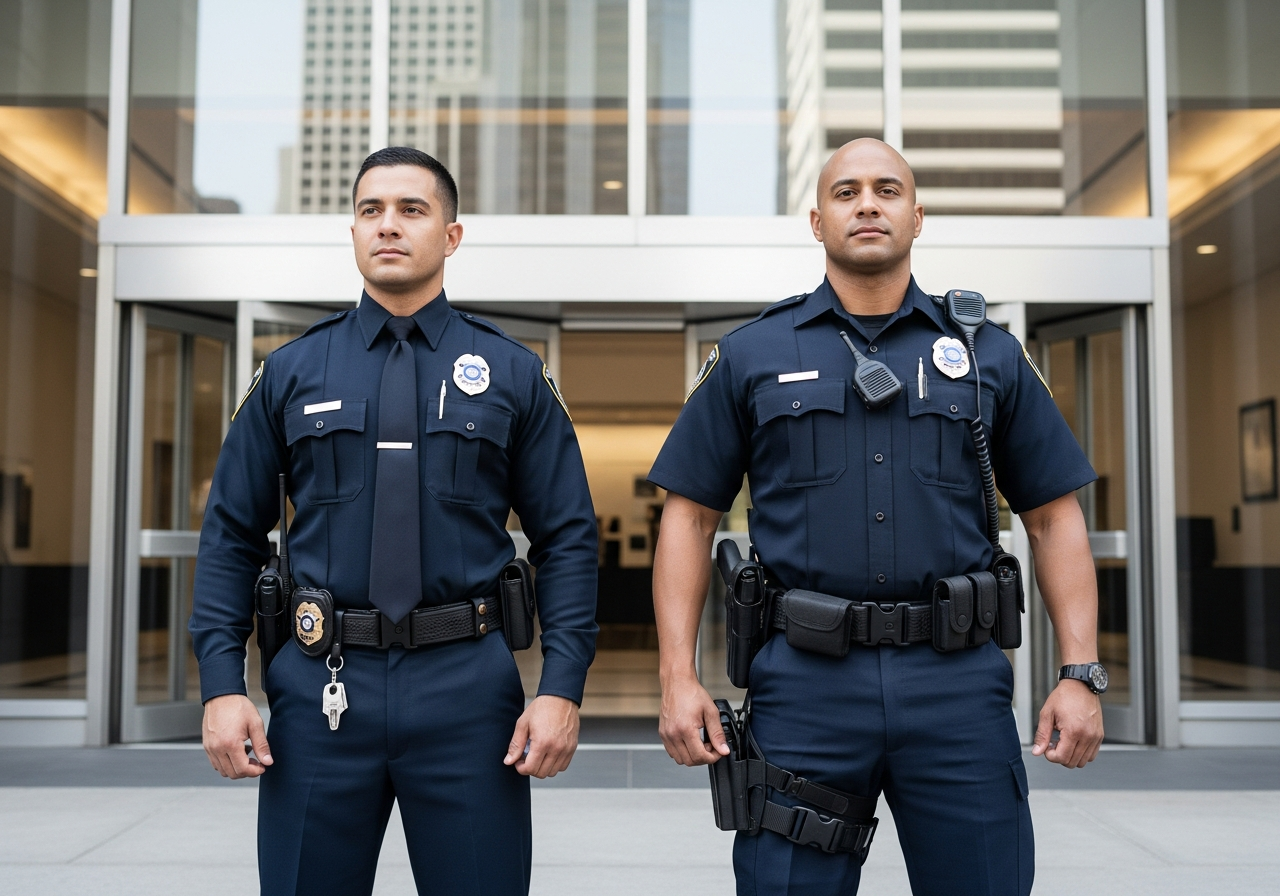
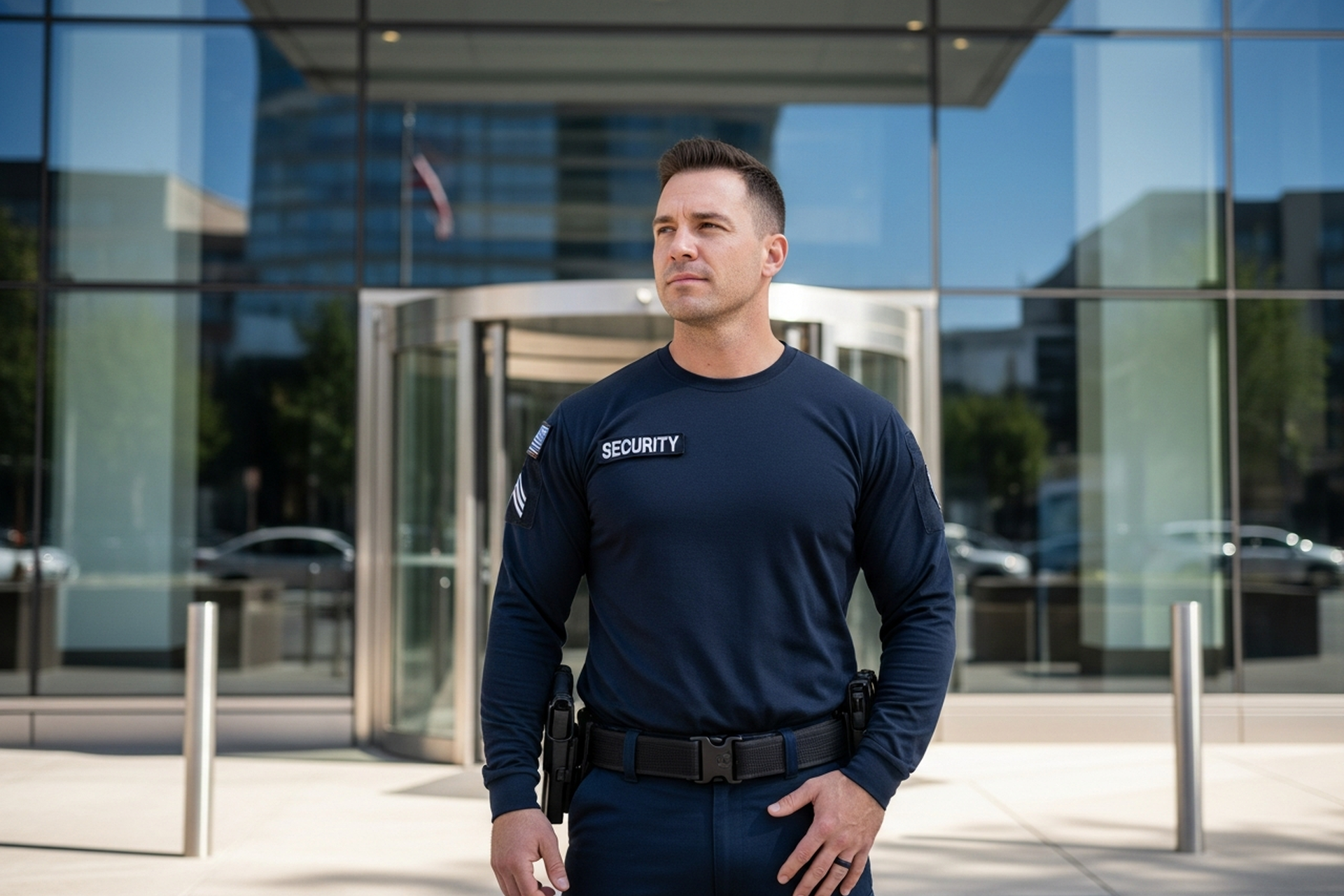
Technology runs the access layer, but a uniformed security presence runs the response layer. Most Seattle tech offices and co-working operators combine smart access with at least one of three on-site models.
A staffed lobby officer during business hours handles visitor flows, greets members and employees, and is the first person to recognize when something is off. A roving floor officer in larger campuses covers stairwells, loading docks, and parking transitions where readers alone cannot catch a tailgater. Mobile patrols provide overnight and weekend coverage for tenants who do not staff a 24-hour post, including alarm response, exterior checks, and unlock-on-request for after-hours workers.
The right mix depends on the building, tenant population, and risk profile. A single-tenant tech office in a Class A tower with full building security may need only daytime reception. A co-working operator above a busy retail corridor often needs reception during business hours plus overnight patrols. A campus-style tenant across tech corridors in Bellevue and Redmond usually layers reception, roving, and patrol response into a coordinated program.
What this means for facility and security leads
A smart access control upgrade is not a one-time install. It is a system that will live for years, with credentials issued and revoked daily, doors reconfigured during tenant improvements, and integrations evolving as the tenant changes HR and identity systems. The teams that succeed treat the platform as a living program, not a finished project.
For property managers and co-working operators, the planning checklist is short but unforgiving. Map the user populations and decide the tiers. Define which HR and identity systems must integrate from day one. Document the visitor flow, including lobby coverage for visitor management and pre-registration workflows. Specify the physical infrastructure standard the cabling vendor will follow. Plan the on-site staffing model. Build the termination workflow and test it with a controlled de-provisioning before go-live.
Cascadia Global Security supports tech tenants and co-working operators across the Seattle market with the staffing layer that makes smart access platforms work in production: uniformed reception, roving officers, overnight mobile patrol coverage, and coordinated alarm response built around the tenant's platform and floor plan.
To scope a security program around a new or existing smart access control deployment, request a quote or call (800) 939-1549.
Frequently Asked Questions
What is smart access control in a Seattle tech office?
Smart access control is a cloud-managed system that uses mobile credentials, biometrics, or both in place of legacy plastic badges. It ties door access to HR and identity systems so credentials provision and revoke automatically, and it produces queryable audit logs of every entry event across every reader in the building.
How does smart access control work for a co-working space?
A co-working operator uses the platform to issue tiered credentials by membership level. A 24/7 dedicated-desk member gets full-time access, while a part-time member is limited to business hours. Conference rooms unlock only during a member's booked window, and guests are pre-registered through a self-service mobile app that issues a temporary QR-code credential.
Does smart access control replace the need for an on-site officer?
No. The platform controls who is authorized to enter, but a uniformed officer in the lobby handles the situations technology cannot: a visitor without pre-registration, a courier with a package, a member whose phone died, or a tailgater following a legitimate user through the turnstile. The strongest programs pair smart access technology with on-site reception or roving coverage.
How do biometric credentials affect employee privacy in Washington?
Biometric data collection is sensitive, and tenants who deploy fingerprint, face, or palm-vein readers are expected to publish a clear policy covering what is captured, where templates are stored, retention timelines, and an opt-out path. Most Seattle rollouts keep biometrics optional and route those who decline through a secondary credential, such as a mobile badge plus a PIN.
What happens to credentials when an employee leaves the company?
When the access platform integrates with the tenant's HR system, a termination record automatically triggers deactivation across every door, every floor, and every linked application. The gap between an employee's last day and the badge being disabled drops from days to minutes, which closes one of the largest sources of physical access risk in any tech office.